
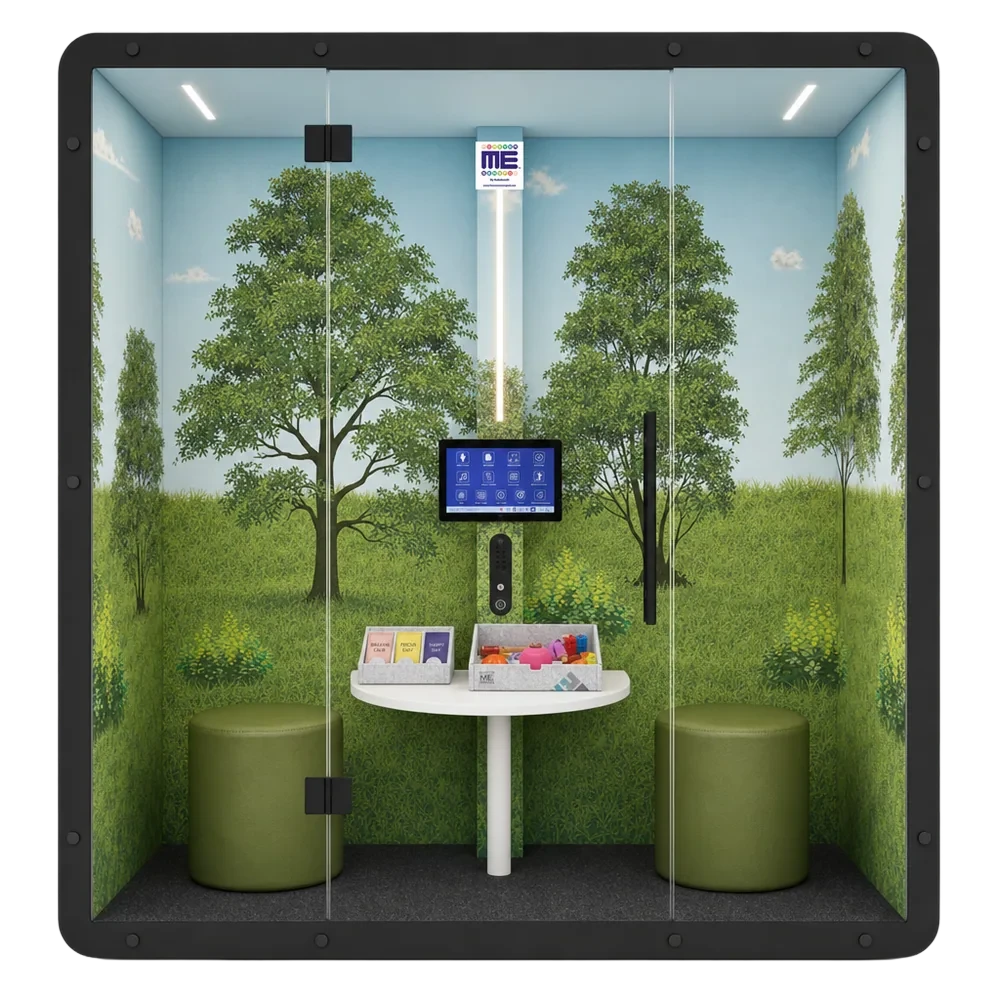
The real TouchPad
Lighting, calming music, ambient sounds, timers and moving visuals, plus My Voice and Feelings Are Messages, operated with the controller laser.
Three real ForeverMe SensPod spaces, captured in 3D. Walk through them in your browser, or put on a Meta Quest and sit inside: try the TouchPad, the scents and the sensory toys on the table.
Every space connects to the same SensPod TouchPad. Enter VR, look around in 3D, or take the guided demo with voice-over.
No app to install. The experience runs in the headset's own browser.
On a Meta Quest, open the Browser. On a computer, any recent desktop browser works.
Type forevermesenspod.com/vr and pick a space, or start the guided demo.
Once the space loads, press Enter VR. Point the controller at the iPad on the pole and pull the trigger.
On a computer, drag to look around and click the floor to move. VR mode needs a headset.
The same calm a child finds inside the real pod, ready to try before it arrives.
Lighting, calming music, ambient sounds, timers and moving visuals, plus My Voice and Feelings Are Messages, operated with the controller laser.
Open an aroma pack, pop the capsule and breathe with it. Take a spinner, squishy cubes, a bead puzzle or touch stones from the toy box.
Nature, Harmony and Aqua are actual SensPod rooms scanned in Matterport 3D, so what you see is what arrives.